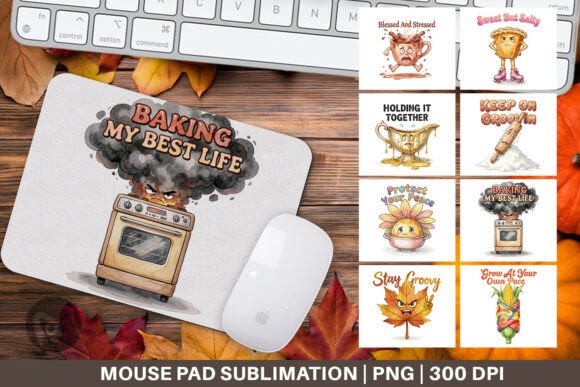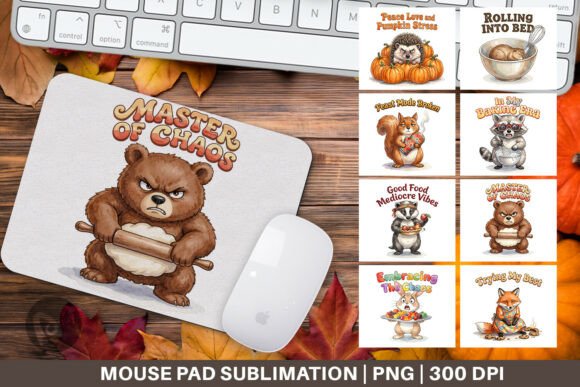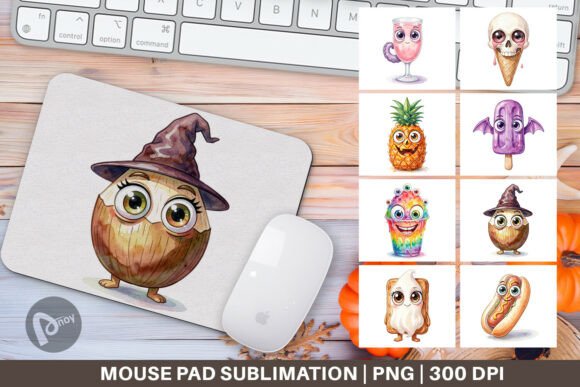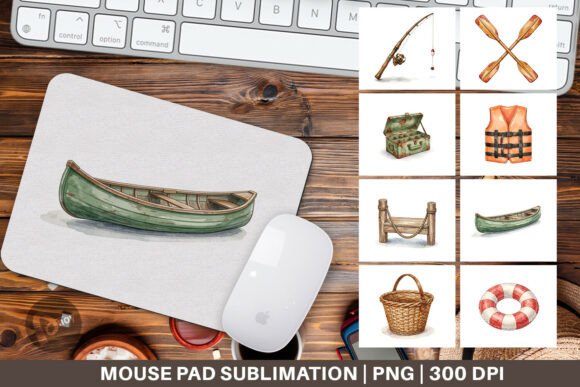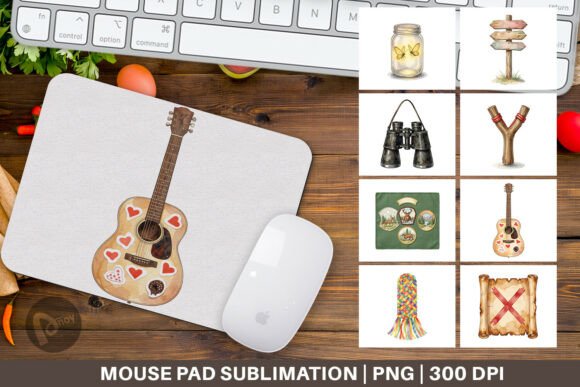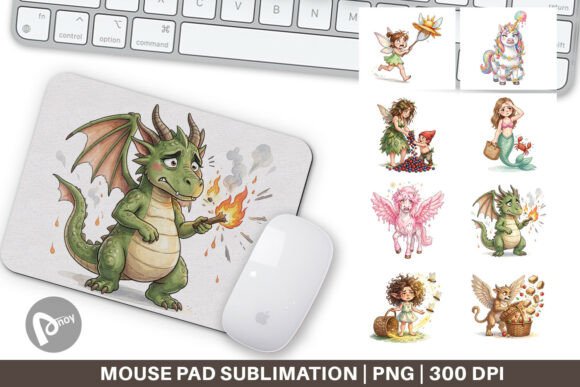
Digital Watercolor Magic Mouse Pad PNG
When you set out to refresh your workspace or gaming desk, the elements you choose often fall into two categories: purely functional tools that solve a problem, or aesthetic pieces that make the environment feel personal. A mouse pad sits at the intersection of both, but to get the best of utility and design, many creators and professionals now turn to custom sublimation mouse pads. The Digital Watercolor Magic Mouse Pad PNG offers a practical starting point for anyone building a personalized desk setup without compromising on efficiency or visual appeal.
What the Digital Watercolor Magic Mouse Pad PNG Really Is
This is not a physical product you unbox. It is a digital design asset — a set of eight PNG files, each sized at 9.5 x 8.1 inches with a resolution of 300 dpi. These dimensions correspond directly to the standard sublimation mouse pad blank that you can print, press, and finish yourself. The watercolor magic theme provides a soft, flowing pattern that brings movement and subtle color to a flat surface, which is especially effective in workspaces that lean minimal or neutral.
Because these are PNG files with transparent or rendered backgrounds, you gain flexibility in adjusting the design before production. You can scale, rotate, or combine elements without losing clarity. The 300 dpi resolution ensures that the final pressed image remains sharp, not pixelated, even under close inspection. For anyone who sells custom mouse pads or builds them for their own desk, this digital resource removes the need to create a watercolor effect from scratch — saving hours of digital painting or photo manipulation.
Where the PNG Files Fit in a Real Sublimation Workflow
The process of going from a digital file to a finished sublimation mouse pad involves several steps. Understanding where these PNGs enter that sequence helps you plan production without wasted materials or time.
- Before printing: The PNG file serves as the master design. You open it in your preferred image editor — Photoshop, Affinity Photo, GIMP, or even Canva — and adjust color balance, contrast, or saturation to match your brand palette or room decor. Because the file is already 300 dpi and sized to the blank, no resampling is needed for standard mouse pad sizes.
- At the print stage: You send the PNG to a sublimation printer loaded with sublimation paper. The file’s high resolution and flat color fields make it ideal for even ink deposition, which is critical for avoiding banding or uneven gradients on the final fabric surface.
- During pressing: The design transfers from paper to the polyester-coated mouse pad surface under heat and pressure. A watercolor pattern hides minor press inconsistencies well, which makes it forgiving for those still dialing in time and temperature settings.
- After production: The finished mouse pad enters your workspace or inventory. The design’s visual flow can guide your desk organization, as the watercolor shapes can define zones for your keyboard, mouse, and accessories.
Integrating the Sublimation Mouse Pad Into Your Work Environment
The physical mouse pad you produce from the Digital Watercolor Magic Mouse Pad PNG does not exist in isolation. It interacts with your chair height, your monitor placement, and your daily habits. When you plan its integration, consider the following workflow-oriented factors.
Preparation and Compatibility
Before you even print, confirm that your sublimation blank matches the 9.5 x 8.1 inch footprint exactly. Some blanks have a slightly different aspect ratio, and while you can crop the PNG, you want to preserve the watercolor composition’s center of interest. Use the file’s built-in margin if the blank has a stitch border, or let the design bleed if the blank is cut after pressing.
Check your printer’s ICC profile against the file’s color space. The PNG is likely in sRGB, which is common for digital display, but sublimation printers often benefit from a wider gamut. A soft proofing pass in your editor prevents the final mouse pad from looking too cool or too warm compared to what you saw on screen.
Usability During Daily Tasks
A mouse pad’s primary job is to provide a consistent tracking surface for your mouse. The watercolor pattern does not interfere with optical or laser sensors, but its visual complexity can make it harder to spot dirt or wear. Plan to rotate or clean the pad regularly — a quick wipe with a damp cloth preserves the sublimated image because the ink is embedded in the fabric, not printed on top.
If you use a gaming mouse with high DPI settings, the smooth fabric texture of a sublimation pad offers low friction while still giving the sensor enough reference points. The watercolor design, with its varied tones, actually helps reduce visible smudges from hand oils over time compared to a solid black or white surface.
Organization and Efficiency
In a shared workspace or a home office with multiple functions, the mouse pad can act as a visual anchor. Place it so that it aligns with your keyboard tray or monitor base. The watercolor pattern’s organic shapes can even help you mentally segment the desk: use the lighter areas for notebook placement and the darker areas for phone or pen tray zones. This is a small behavioral cue that reduces clutter because you naturally follow the visual lines.
For those who produce and sell mouse pads, organizing the eight PNG files by color story or theme allows you to offer a collection instead of a single design. Batch your sublimation sheets by arranging several PNGs on one large transfer paper, then cut and press individually. This method increases output per heat press session and reduces paper waste.
Quality Control and Long-Term Use
Not all sublimation mouse pads age the same. The durability of your final product depends equally on the blank quality and the press process. The Digital Watercolor Magic Mouse Pad PNG gives you an advantage here because the design’s non-repeating pattern does not reveal alignment errors as obviously as a logo or text would. Still, check for these quality markers:
- Edge clarity: Ensure that the PNG’s content does not cut off important color transitions at the pad’s edge. Use the file’s full 9.5 x 8.1 inches whenever possible.
- Ink saturation: A watercolor design should look soft, not washed out. If the colors appear faint after pressing, increase your time by five seconds or raise the temperature by ten degrees within the blank’s tolerance range.
- Fabric feel: After pressing, the pad’s surface should feel uniform. If you notice a glossy spot, that indicates the paper moved during pressing. The watercolor texture helps mask minor issues, but you still want consistent heat contact.
For long-term use, store unused PNG files in a cloud folder with a naming convention that includes the color palette and file dimensions. When you need to reorder a replacement pad six months later, you can open the same file and print it again without recreating the artwork. This consistency matters for businesses that sell matching desk sets or for individuals who want their home and office pads to look identical.
Freelance Designers and Creators
You already have the software and hardware to handle PNG files with precision. Use the Digital Watercolor Magic Mouse Pad PNG as a starting layer — overlay a subtle monogram or a small vector logo in a corner. The watercolor background remains the main visual, but your brand mark turns the pad into a portfolio piece. Print one for yourself and offer it as a premium add-on to clients.
Small Business Owners and Print-on-Demand Operators
Consistency is your metric. Create a product template file that includes the PNG at 100% scale with crop marks. Save it as a master file, then duplicate it for each color variant or seasonal drop. Because watercolor designs are trend-resistant, you can produce a small batch and test your market without worrying about fast-changing aesthetics.
Educators and Remote Trainers
If you teach digital art or design workflow from home, your desk is often visible on camera. A sublimation mouse pad with an artistic pattern adds visual interest without being distracting. It also reinforces the authenticity of your workspace — a watercolor mouse pad suggests you value both process and craft, which aligns with your professional narrative.
Productivity-Minded Professionals
For those who simply want a better desk experience, the integration is straightforward: download the PNG, upload it to a printing service that offers sublimation mouse pads, and select the 9.5 x 8.1 inch size. You do not need to own a heat press. Many print shops accept customer-supplied artwork and produce single units. The result is a custom pad that fits your exact aesthetic preference, which directly affects your willingness to keep your desk organized and your work flow uninterrupted.
Moving From Design Asset to Finished Desk Tool
The real value of the Digital Watercolor Magic Mouse Pad PNG lies not in the file itself, but in how it flows through your specific production and usage process. Whether you press the pad yourself or order it through a third-party printer, the planning you do before the first print run determines the quality of the final object. Test one pad first. Adjust the colors or the placement. Then produce the rest.
Once the pad is on your desk, pay attention to how it changes your daily routine. A well-designed mouse pad does more than cushion your wrist — it cues your brain to enter work mode, reduces visual noise, and gives you a consistent base for mouse movement. When you combine the practicality of sublimation with the artistic foundation of a watercolor pattern, you end up with a tool that supports both your output and your environment. That is the difference between buying a generic accessory and building a workspace that works for you.