Mascot Logo SVG Design Bundle – A Practical Evaluation for Designers and Print-on-Demand Sellers
When you are building a brand, creating merchandise, or launching a print-on-demand store, the visual assets you choose directly affect how your audience perceives your work. A Mascot Logo SVG Design Bundle offers a collection of ready-to-use vector graphics that range from esports badges and warrior characters to animal mascots, gaming logos, sports emblems, and vintage typography. This article evaluates what this type of bundle typically includes, why it might suit your projects, and where you may want to consider alternatives.
What a Mascot Logo SVG Design Bundle Typically Includes
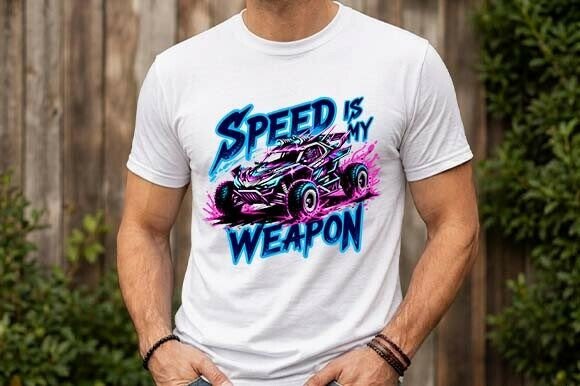
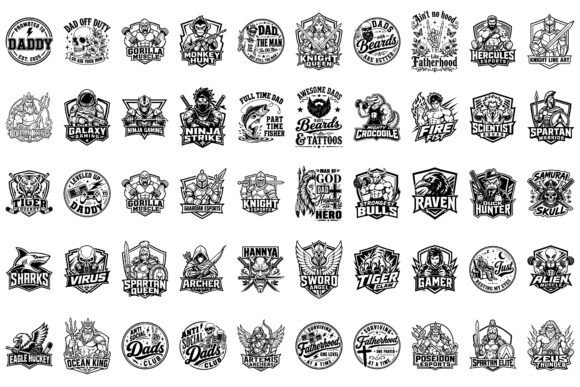
At its core, a Mascot Logo SVG Design Bundle is a curated set of vector logo templates and design elements centered around mascot-style imagery. The bundle described here contains assets in EPS, PNG, SVG, and JPG formats, with a canvas size of 4500 × 3000 pixels at 300 DPI resolution. The content spans several thematic categories:
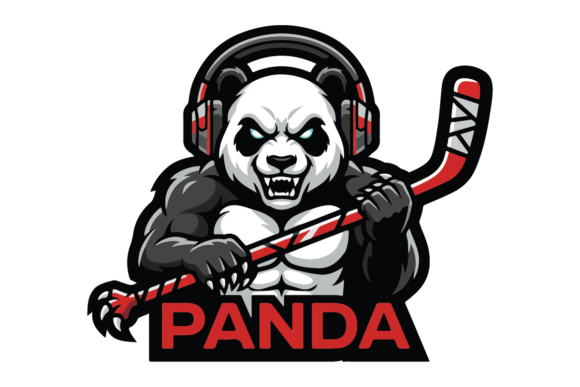
- Esports badges and gaming logos — designed for competitive gaming teams, streaming channels, and esports tournaments.
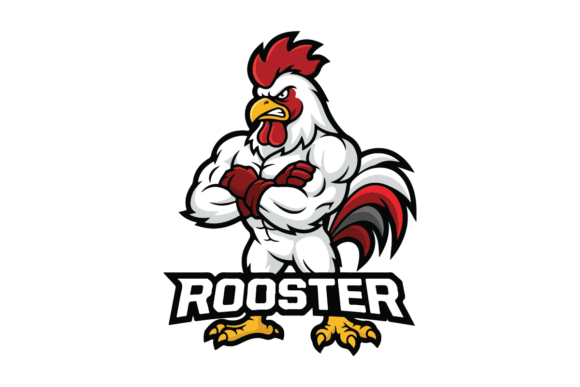
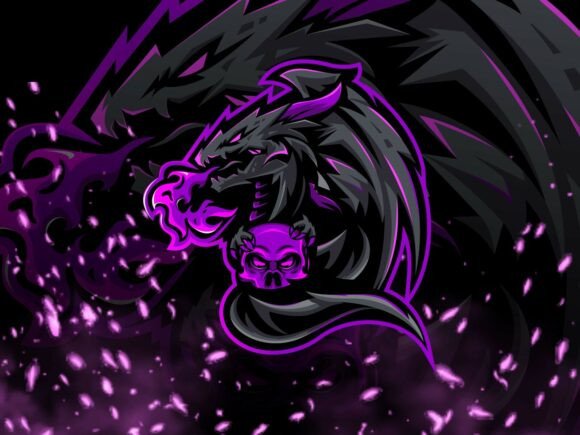
- Warrior characters and animal mascots — stylized figures that convey strength, speed, or ferocity.
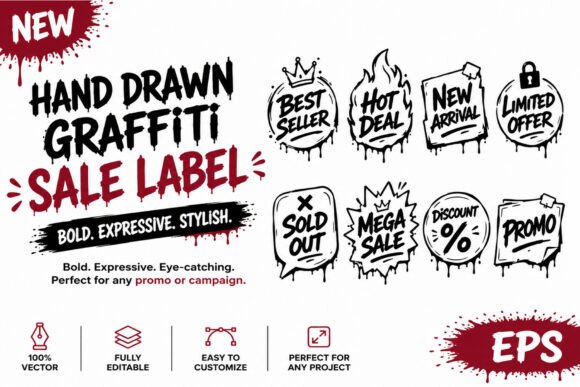
- Dad quotes and vintage typography — text-based designs with a nostalgic or humorous tone, suitable for Father’s Day gifts or casual apparel.
- Sports emblems — classic shield and crest formats for team branding.
Because the files are provided in multiple vector and raster formats, you can edit the SVGs or EPS files in software like Adobe Illustrator, Affinity Designer, or Inkscape, and use the PNG or JPG versions for quick mockups or print-ready outputs.
Why Someone Might Be Interested in This Bundle
The decision to purchase a design bundle often comes down to time, flexibility, and cost. Here are the most common reasons this type of collection attracts attention:
Versatility Across Applications
One of the primary strengths of a Mascot Logo SVG Design Bundle is its breadth. The same set that contains a bold eagle mascot for a sports team can also provide a humorous “World’s Okayest Dad” quote for a coffee mug. If you sell on multiple print-on-demand platforms or create products for different audiences, having a single bundle that covers gaming, sports, and casual apparel reduces the need to purchase separate collections.
High Resolution and Print-Ready Specifications
With a canvas size of 4500 × 3000 pixels at 300 DPI, these files are suited for large-format printing, including t-shirts, hoodies, posters, and banners. The resolution ensures that even when scaled, the edges remain crisp—an important factor for mascot logos that often rely on sharp outlines and bold contrast.
Multiple File Formats
The inclusion of EPS, SVG, PNG, and JPG means you can work across different software and use cases. The SVG files are ideal for Cricut or Silhouette cutting machines, while the EPS files preserve layers and paths for professional vector editing. PNG files with transparent backgrounds save time when you are testing placements on merchandise mockups.
Theme-Specific Content for Niche Audiences
Mascot designs are especially popular in esports and youth sports leagues. If your target audience includes gamers, parents, or team organizers, a bundle with warrior characters and animal mascots gives you a library of visuals that already fit those aesthetics.
Benefits and Tradeoffs to Consider
While a bundled collection offers clear advantages, it also comes with practical tradeoffs that affect your workflow and the uniqueness of your final products.
Benefit: Cost Efficiency Compared to Custom Design
Hiring a professional designer to create a single mascot logo can cost anywhere from several hundred to a few thousand dollars. A bundle with dozens or even hundreds of designs costs a fraction of that. For someone testing multiple product ideas or launching a store on a tight budget, this price difference is substantial.
Tradeoff: Shared Visual Language
Because many people can purchase the same bundle, you may encounter products that use identical or similar mascot designs. This is a common concern for print-on-demand sellers. If your goal is to build a fully unique brand identity, relying entirely on bundled assets may require you to customize the vectors—changing colors, adding text overlays, or combining elements from different files.
Benefit: Ready-to-Use for Print-on-Demand and Craft Projects
The SVG format works seamlessly with Cricut Design Space, Silhouette Studio, and similar software. For crafters who make custom t-shirts, mugs, or stickers, the ability to upload and cut directly is a significant time saver. The 300 DPI resolution also means sublimation prints will have good detail on polyester fabrics or coated substrates.
Tradeoff: File Format Limitations for Some Use Cases
While EPS and SVG are standard vector formats, not all software handles them equally. For example, older versions of some free vector editors may not fully support EPS files. Additionally, if you need fully editable text layers for the dad quotes and typography, you should check whether the fonts are outlined or embedded. Bundles that outline text prevent you from easily changing the wording later.
Situations Where This Bundle Is a Strong Fit
Understanding when a Mascot Logo SVG Design Bundle aligns well with your needs helps you decide if it is worth the investment.
- You are starting a print-on-demand store. If you are listing products on platforms like Redbubble, Teespring, or Amazon Merch, having a large set of designs ready to upload allows you to test multiple niches quickly. The esports badges and sports emblems are particularly relevant for these markets.
- You need designs for a local team or league. Whether it is a youth soccer team, a recreational basketball league, or a school club, mascot-style logos with warrior or animal themes are straightforward to adapt with team names and colors.
- You craft for multiple seasonal events. The dad quotes and vintage typography make the bundle useful for Father’s Day, while the gaming and sports content works year-round. This reduces the need to buy separate holiday-specific bundles.
- You prefer bold, high-contrast black-and-white designs. Monochrome mascot logos print well on a variety of colored backgrounds, and they are easy to recolor in vector software if you want to create color variants.
Situations Where Alternatives May Be Worth Considering
No single bundle works for everyone. Here are scenarios where you might want to look elsewhere:
- You need highly specific industry imagery. If your project requires a mascot for a niche profession (e.g., a mascot for an HVAC company or a dental practice), a general bundle may not include relevant characters. In that case, hiring a custom designer or purchasing a narrower, profession-specific set may be more efficient.
- You prioritize brand distinctiveness. For a serious brand launch where you intend to trademark a logo, using an off-the-shelf design is not recommended. Even after customization, the underlying illustration may still be recognizably generic. Custom vector work from a professional illustrator would be a better investment.
- You only need one or two designs. If your requirement is small, purchasing a full bundle may be more than you need. Many marketplaces allow you to buy individual SVG designs at a lower cost per file.
- You work exclusively with fully editable, layered files. Some bundle providers flatten or group elements to reduce file size. If you require every element on its own layer for animation or complex editing, check the sample files before purchasing.
Practical Decision-Making Insights
To determine whether a Mascot Logo SVG Design Bundle aligns with your goals, consider the following steps:
- Audit your project scope. List the products you plan to create, the platforms you will sell on, and the themes that resonate with your audience. If your list includes at least three of the categories covered in the bundle (esports, sports, dad-themed, animal mascots), the bundle becomes more justifiable.
- Review the sample files. Look at the level of detail in the mascot characters. Are the lines clean enough for small-format prints like stickers? Are the typography designs balanced? Samples give you a realistic sense of the quality.
- Check the license terms. Some bundles restrict commercial use of the designs, such as capping the number of products you can sell or requiring attribution. Ensure the license covers your intended use, especially if you plan to mass-produce items.
- Assess your editing skills. If you are comfortable with vector software, you can differentiate your products by modifying colors, combining elements, or adding custom text. If you are not, the designs will appear exactly as they are in the bundle, which may reduce their distinctiveness in the marketplace.
- Calculate your time cost. The convenience of having pre-made designs saves hours or days of creation time. However, if you spend significant time sorting through dozens of files to find the ones that fit your brand, that efficiency diminishes. Organizing the bundle into thematic folders early on can help.
Aligning the Bundle with Your Creative Workflow
A Mascot Logo SVG Design Bundle can function as a foundation rather than a final product. Many successful print-on-demand sellers and small business owners use these bundles as starting points. They might take a warrior character from one file and combine it with vintage typography from another, creating a composite design that feels original. The SVG format supports this kind of modular editing, and the 4500 × 3000 px canvas gives you room to rearrange elements without losing quality.
For sublimation projects, the high DPI ensures that the bold black-and-white mascot logos retain their sharpness when transferred onto polyester fabrics. For Cricut crafts, the SVG files allow you to cut intricate details with precision, which is especially relevant for designs with thin lines or small text.
On the other hand, if your primary output is digital—such as social media graphics, YouTube thumbnails, or website banners—the 4500 × 3000 px canvas may be larger than necessary. However, you can always downscale the files without issue, and the EPS and SVG formats let you export at any resolution.
Final Evaluation Criteria
Before purchasing any design bundle, it helps to weigh the following aspects:
- Relevance — Does the content match your target market? Esports badges and animal mascots suit younger, active audiences, while dad quotes and vintage typography appeal to a more nostalgic or family-oriented demographic.
- Format flexibility — The presence of both vector and raster formats, especially SVG for cutting machines and EPS for professional editing, adds significant value.
- Resolution and scale — At 4500 × 3000 px and 300 DPI, the bundle supports both small and large print formats without visible pixelation.
- Customization potential — Designs that rely on bold outlines and simple shapes are easier to recolor and modify than those with complex gradients or fine details.
- Commercial viability — A bundle that offers commercial use rights without restrictive caps is generally a better investment for anyone planning to sell products.
A Mascot Logo SVG Design Bundle is not a substitute for custom branding when uniqueness is your top priority. But for many practical scenarios—testing a new product line, outfitting a recreational team, or building a diverse print-on-demand catalog—it provides a cost-effective, time-saving library of ready-to-use assets. By evaluating your specific needs against the bundle’s contents and limitations, you can decide whether it supports your creative or commercial goals without overcomplicating your workflow.